
This document is the user manual for Hammond XK-3
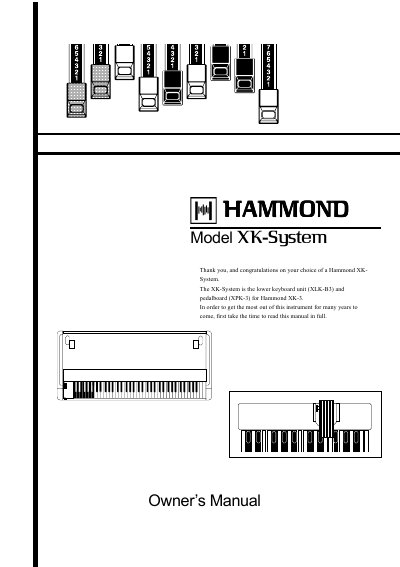
This document serves as the Owner's Manual for the Hammond XK-3 System, specifically detailing the XLK-B3 lower keyboard unit and the XPK-3 pedalboard. It provides essential safety notices, assembly instructions for connecting the units, and guidance on setting up MIDI connections between the components.
The guide explains how to operate the system, including recalling and recording presets for the lower and pedal parts independently. It also covers advanced features such as using the built-in Leslie speaker and headphone jack, transmitting velocity messages, and provides detailed MIDI implementation charts for both the XLK-B3 and XPK-3 models.
| System Components | Lower keyboard unit (XLK-B3) and pedalboard (XPK-3) |
|---|---|
| MIDI Mode 1 | OMNI ON, POLY |
| MIDI Mode 2 | OMNI ON, MONO |
| MIDI Mode 3 | OMNI OFF, POLY |
| MIDI Mode 4 | OMNI OFF, MONO |
Turn off the 'PRESET - LINK L/P' function in the PRESET FUNCTION screen.
Yes, you can memorize settings for the lower and pedal parts in the same bank by touching and holding the REC/JUMP button and then the Preset Key.
Connect the plug to the headphone jack on the XLK-B3.