
Key facts
- Brand
- Hammond
- Model
- XK-3
- Category
- Musical instruments
- Documents
- 2
- Languages
- EN
- Last added
- 2023-10-18
Start here
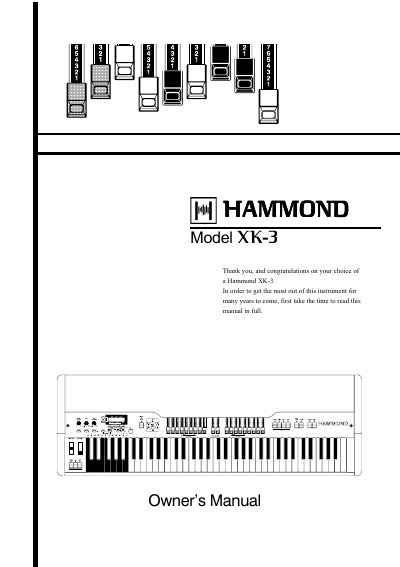
Hammond XK-3 Owner's Manual
This manual provides detailed instructions for operating the Hammond XK-3 drawbar keyboard, including safety guidelines, setup, sound customization, and troubleshooting. It covers features like drawbars, percussion, Leslie, reverb, and MIDI connectivity. The manual also explains how to save and load presets, manage battery backup, and use the control panel. Safety precautions and service information are included for proper maintenance and support.
Read onlineHammond XK-3 specifications
| System Components | Lower keyboard unit (XLK-B3) and pedalboard (XPK-3) |
|---|---|
| MIDI Mode 1 | OMNI ON, POLY |
| MIDI Mode 2 | OMNI ON, MONO |
| MIDI Mode 3 | OMNI OFF, POLY |
| MIDI Mode 4 | OMNI OFF, MONO |
All Hammond XK-3 documents by type
Day-to-day operation, settings and troubleshooting. Start here if the product is already set up.
Questions answered in these manuals
How do I recall the lower preset only from the XLK-B3?
Turn off the 'PRESET - LINK L/P' function in the PRESET FUNCTION screen.
Can I record presets for the lower and pedal parts?
Yes, you can memorize settings for the lower and pedal parts in the same bank by touching and holding the REC/JUMP button and then the Preset Key.
What fuse rating is required for the UK power plug?
The appliance is supplied with a molded plug that has a 5 amp fuse fitted inside.
What happens if the battery voltage becomes low?
The display will show a message asking you to check the battery and back up your changes.