
This manual introduces the usage of GB-1000 sports watch, including power on, setup, connect sensor, start training, check training data, etc.
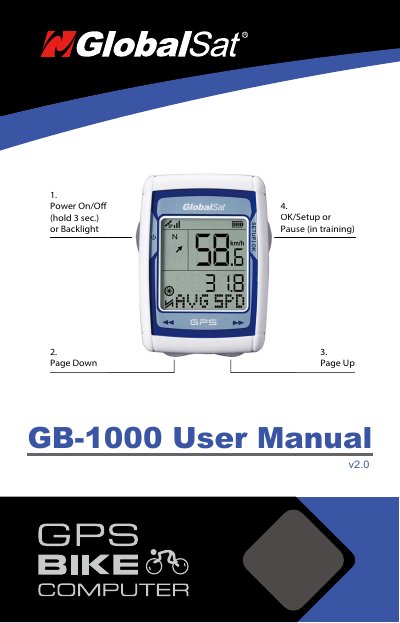
This document is the user manual for the GlobalSat GB-1000 sports watch. It covers basic operations such as power on/off, viewing training data (speed, distance, calories), and using the backlight. The guide explains how to configure personal settings like gender, height, and weight, as well as how to pair and use a speed/cadence combo sensor. This manual is written in Chinese.
| Recording Time Remaining Display | HOUR : MINUTE format |
|---|---|
| Firmware Version Check | Press [Page Up] two times in START page |
| Waypoint Capacity | one |
Hold the Power button for 3 seconds to turn on, then press OK to view the current time and training metrics like speed and distance.
Hold the Power On/Off button for 8 seconds to perform a hardware shutdown, then turn the device on again.
Connect the device to a PC via USB, choose Configuration / Firmware Upgrade in the software, and confirm the upgrade on the device screen.
It guides the user to a saved waypoint by pointing the direction, showing GOAL ARRIVED when within 20 meters.