
This is a user manual for a GPS receiver, which introduces the basic functions, charging methods, usage methods, and precautions of the receiver.
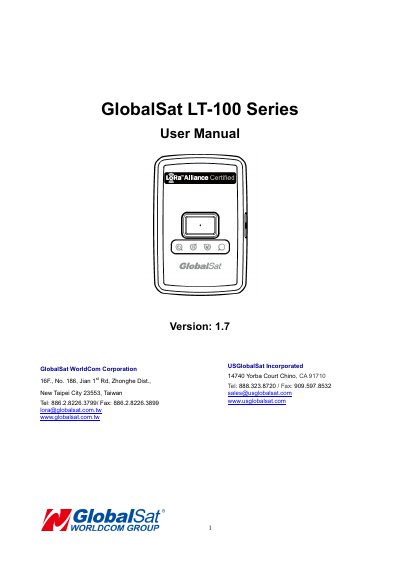
This manual covers the operation and safety of the GlobalSat LT-100 Series, a LoRaWAN® compliant asset tracking device. It includes instructions for charging, powering on/off, using the help button for emergency alerts, LED indicator meanings, and safety precautions. The device is designed for tracking assets, pets, children, and elderly, and is compatible with LoRaWAN® gateways.
The manual also details warranty terms, FCC and Industry Canada compliance, and procedures for obtaining warranty service, including RMA options and data backup requirements. This manual is written in Chinese.
Press and hold the power button until the device vibrates.
When long pressed, it sends an immediate help report, then every 30 seconds until server acknowledgement and GPS fix.