
This GH-615B/GH-615M User Manual version is 1.9, mainly introducing the product features, specifications, hardware overview, package contents, button introduction, hardware introduction, charging, wearing heart rate monitor, getting started, changing mode, menu structure - main menu, activity, navigation, exercise studio, configuration, PC utility and other contents.
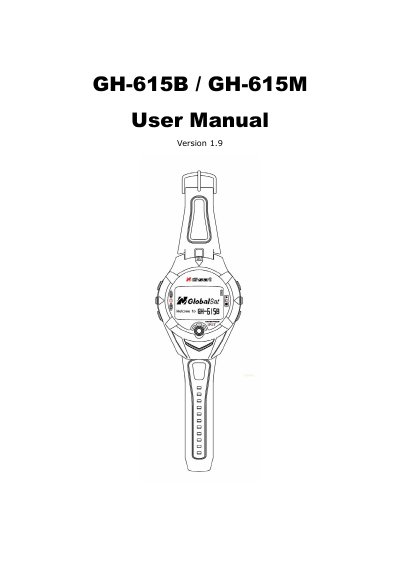
This manual guides users through operating the Globalsat GH-615B and GH-615M GPS heart rate monitors. It covers charging, wearing, menu navigation, GPS tracking, waypoint management, and data transfer to a PC. The GH-615M includes a heart rate monitor, while the GH-615B does not. Both models feature a waterproof, sealed design and support WAAS/EGNOS for improved GPS accuracy. The manual also includes troubleshooting tips and firmware upgrade instructions.
| Model | GH-615B / GH-615M |
|---|---|
| GPS Chipset | SiRF Star III |
| Battery | Rechargeable 750mAh Li-ion Polymer battery |
| Display | Black & White LCD, 80x120 pixels |
| Waterproof Rating | IPX7 |
| Operating Temperature | -10°C to 60°C |
| GPS Accuracy | 10 meters (2D), 5 meters (3D with WAAS) |
| Heart Rate Monitor | GH-615M only |
Check if the heart rate monitor is worn correctly, turn on the Heart Rate Alert function, and check the battery of the monitor.
Ensure the USB driver is installed, connect the device with the USB cable, and scan the COM port using the PC Utility.