
This is a user manual that introduces the features and usage of the LT-10 series products.
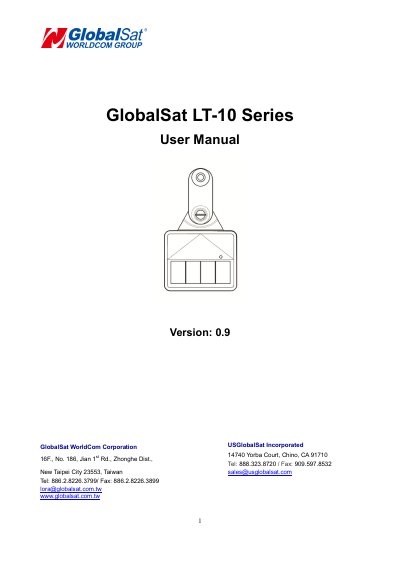
The GlobalSat LT-10 is a solar-powered LoRaWAN tracker designed for livestock tracking. It features a rechargeable battery and integrated solar panel for continuous operation. The device can be controlled via a magnet for power on/off and hardware reset, and configured using an Android or iOS app for BLE pairing and parameter adjustments. It includes LED indicators for status and supports firmware updates through the app. Safety and warranty information are provided for responsible use and limited liability coverage.
The manual covers device charging, switching modes, BLE pairing, parameter settings, firmware upgrades, and safety precautions. It also includes warranty terms, exclusions, and legal disclaimers for hardware defects and usage-related damages.
Place a magnet under the device’s LED for 4 seconds; it will blink red 3 times (100ms on, 100ms off).
Red blinking twice (100ms on, 100ms off) means the device is searching for the app; blinking once per second means it’s connected to the app.
Place the device in direct sunlight with the solar panel facing up; it takes several days to charge to at least 90%.