
GlobalSat LW-360HR Smart Watch User Manual

This manual introduces the use of GlobalSat LW-360HR smart watch.
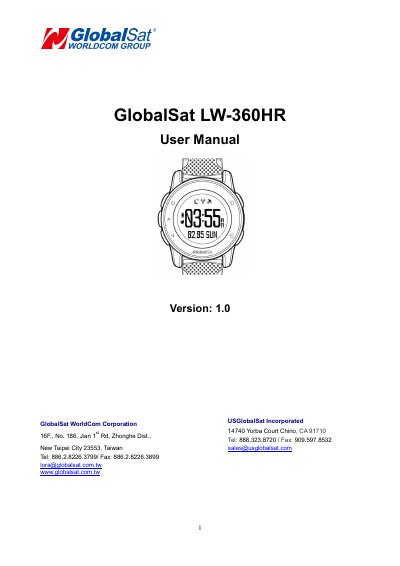

GlobalSat LW-360HR Smart Watch User Manual - cover page
Brand
GlobalSat
Document type
User Manual
Language
English
Pages
27
File format
PDF
File size
1.9 MB
Published
18 October, 2023
Updated
18 October, 2023
MD5 checksum
DE28BC1C2F81ABA00A1C98C10F485032

About this manual

This manual provides instructions for using the GlobalSat LW-360HR smart watch, including how to charge it, set up initial use, wear it for heart rate detection, and change the watch band. It also covers general settings, alert configurations, and safety precautions. The device features LoRa and BLE connectivity, GPS, and health tracking capabilities. Safety and warranty information are included for responsible use.

What's inside

  • Warning
  • Welcome
  • Introduction and Features
  • Device Operation
  • General Settings
  • Alert Settings
  • Safety Information
  • Limited Warranty
  • FCC Warning

Frequently asked questions

What is the GlobalSat LW-360HR?

It is a sleek, compact and feature rich personal tracking device.

How do you turn on the device?

Press and hold the POWER button for 2 seconds.

What voltage and current does the device require for charging?

DC5V/1A.

Where should the device be worn for heart rate detection?

On the back of the wrist bone.

Download PDF (1.9 MB)

More GlobalSat Manuals


View all GlobalSat manuals →