
ND-100 USB GPS Dongle User's Guide, introduces the function and usage of the product.
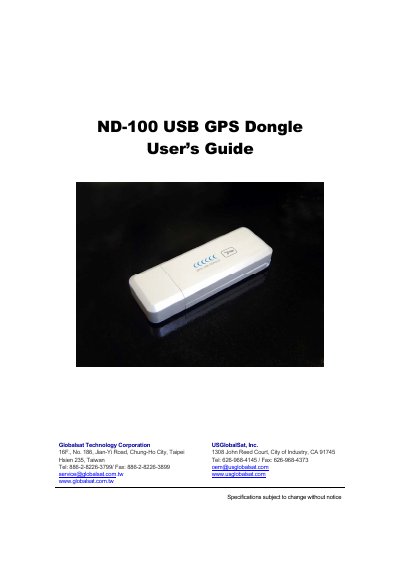
The Globalsat ND-100 is a compact, portable USB GPS receiver designed for use with laptops running Windows, Mac, or Linux. It requires no battery and works with any NMEA compliant navigation software to turn a laptop into a navigation system. The device features an LED status indicator to show power and signal acquisition states.
| Operating System | Windows 2000 / XP / Vista |
|---|---|
| CPU Requirement | 500 MHz, Pentium III |
| System Memory | 128MB RAM |
| Hard Disk Space | 50MB free space |
| Display Resolution | 1024x768 |
| Baud Rate | 38400 |
The device requires Windows 2000/XP/Vista, a 500 MHz Pentium III CPU, 128MB RAM, 50MB free hard disk space, and a 1024x768 display.
You must change the default rate setting of your mapping software's Baud Rate to 38400, with Data Bit: 8, Parity: None, Stop Bit: 1, and Flow Control: None.
LED OFF means the receiver is off; LED ON (solid) means no fix/searching; LED FLASHING means a position fix is established.
Check the Device Manager under PORTS (Com & LPT) for a listing of Prolific Serial-to-USB Com Port (COM x) and ensure your software is configured to read from that specific port.