
GB-580 is a GPS bicycle computer with heart rate sensor, speed sensor and cadence sensor installation function. This manual introduces the main functions and usage methods of GB-580.
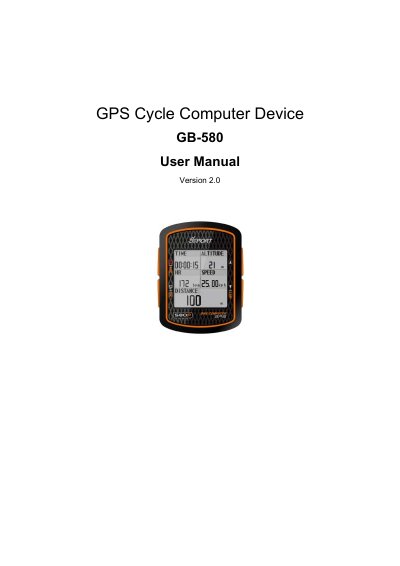
This manual guides users through installing heart rate, speed, and cadence sensors, navigating routes, and configuring the device. It includes troubleshooting tips for common issues like failed firmware upgrades or heart rate signal loss. The GB-580 features a 128x128 pixel display, IPX7 waterproofing, and supports ANT+ sensors for training data. It also includes PC software for data analysis and waypoint management.
| Display Size | 29.94 * 32.75 (H x W in mm.) |
|---|---|
| Battery Life | 18 hours (GPS 3D fix, Backlight off) |
| GPS Chipset | SiRF Star III LPx |
| Waterproof Rating | IPX7 |
| Operating Temperature | -10℃ to 60℃ |
| Battery Type | Rechargeable 760mAh Lithium ion battery |
Press the UP, OK, and Power buttons at the same time to enter firmware upgrade mode.
Go to [MAIN MENU] > [CONFIGURATION] > [ABOUT PRODUCT] to display the firmware version.
Use Windows Control Panel > Add or Remove Programs to remove GS-Sport Training Gym Pro.