
This manual describes the appearance, LED indicators, charging procedure, and FCC compliance for the GlobalSat MD-Panic personal safety device.
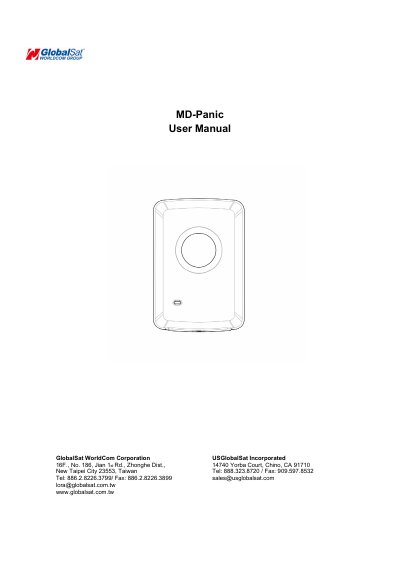
The GlobalSat MD-Panic is a personal safety device featuring a power/panic button, an LED indicator, lanyard holes, and a micro-USB port. The device operates on a LoRa network to transmit panic alerts when activated.
LED indicators provide visual feedback regarding the device's status, including connection attempts, standby mode, charging states, low battery warnings (below 15%), and active panic mode. The rechargeable battery requires an initial full charge of at least 4 hours before first use.
The device requires at least 4 hours of charging time to reach a full charge.
The low battery warning appears when the capacity is at or below 15%.
The device meets the government requirement with a SAR limit of 1.6W/kg.