
This is the GlobalSat ST-100 series user manual, which mainly introduces the features and usage methods of the ST-100 series products
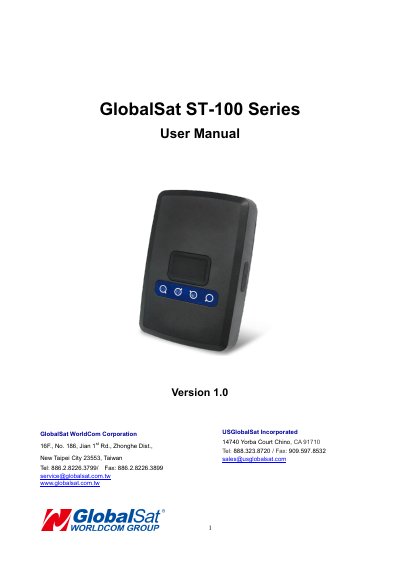
The GlobalSat ST-100 is a compact, feature-rich asset monitoring and tracking device designed for asset tracking, pet tracking, and personal monitoring of children and elderly individuals. It incorporates a SIGFOX certified module by Wisol and includes a built-in help button for emergency reporting to caregivers or monitors. The device is fully compatible with SIGFOX compliant base stations.
| Frequency (Europe) | 868 MHz |
|---|---|
| Frequency (North America) | 915 MHz |
| Frequency (Japan, Korea) | 920 MHz |
| Frequency (Asia) | 923 MHz |
| RF Output Power (Europe) | 14 dBm |
| RF Output Power (North America) | 22 dBm |
| RF Output Power (Japan, Korea) | 14 dBm |
| RF Output Power (Asia) | 22 dBm |
| Charging Time | 4 hours |
The ST-100 is designed for asset tracking, pet tracking, and personal monitoring of children and elderly.
Press and hold the power button until the device vibrates.
The rechargeable battery requires at least 4 hours of charging time before the device is operable.
Press and hold the power button for 8 to 10 seconds.