
The document is the owner's manual for eTrex ® Vista Cx hiking companion. It introduces the basic functions and usage of the product.
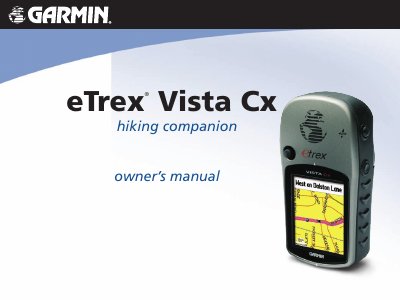
The Garmin eTrex Vista Cx is a portable GPS receiver designed for hiking and outdoor navigation. This owner's manual guides users through the initial setup, including battery installation and satellite acquisition, as well as adjusting the backlight and initializing the receiver. It explains how to use the device's core features, such as the Trip Computer, Map, Compass, and Altimeter pages, to navigate effectively in the field.
The document details the creation and management of waypoints, routes, and tracks, allowing users to mark locations, plan paths, and follow saved tracks. It also covers the use of the Find menu to locate cities, addresses, and points of interest. The manual concludes with information on caring for the unit, including cleaning instructions and water immersion limits, along with technical specifications and warranty details.
| Waterproof Rating | IPX7 |
|---|---|
| Water Immersion Limit | 1 meter for 30 minutes |
Clean the screen using a soft, clean, lint-free cloth. Use water, isopropyl alcohol, or eyeglass cleaner if needed, applying the liquid to the cloth first.
The device is waterproof to IEC Standard 60529 IPX7 and can withstand immersion in 1 meter of water for 30 minutes.