
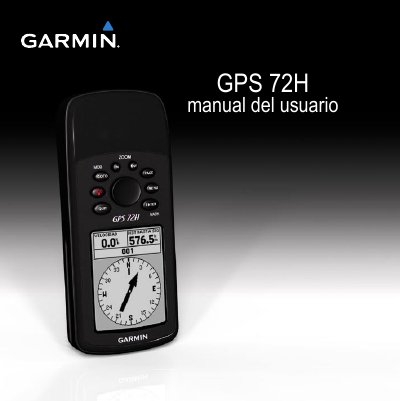
Garmin GPS 72H User Manual

GPS 72H user manual


Garmin GPS 72H User Manual - cover page
Brand
Garmin
Category
GPS
Document type
User Manual
Language
Spanish
Pages
56
File format
PDF
File size
1 MB
Published
18 October, 2023
Updated
18 October, 2023
Model
GPS 72H
MD5 checksum
70C647C16FD79A589A44287FD9D2FDDD

About this manual

This manual provides step-by-step instructions for using the Garmin GPS 72H, including battery installation, satellite signal acquisition, and navigation features. It also covers device setup, waypoint and route creation, and troubleshooting tips. The manual includes safety information and contact details for Garmin support. This manual is written in Spanish.

What's inside

  • Introduction
  • Conventions of the Manual
  • Suggestions and Shortcuts
  • Product Registration
  • Communication with Garmin
  • Serial Number
  • Optional Accessories
  • Battery Installation
  • Powering On and Off
  • Using the Direction Button

Specifications

Battery TypeTwo AA batteries
Battery CompatibilityAlkaline, NiMH, or Lithium
Publication DateSeptember 2009
Document Number190-01119-33 Rev. A

Frequently asked questions

Where is the serial number located?

The serial number is located in the bottom right corner of the device's back.

How do I contact Garmin support?

In the U.S., call (913) 397.8200 or (800) 800.1020. In the UK, call 0808 2380000.

Download PDF (1 MB)

More Garmin Manuals


View all Garmin manuals →