
The document is a user manual for an aircraft device, which mainly introduces the function and use of the device
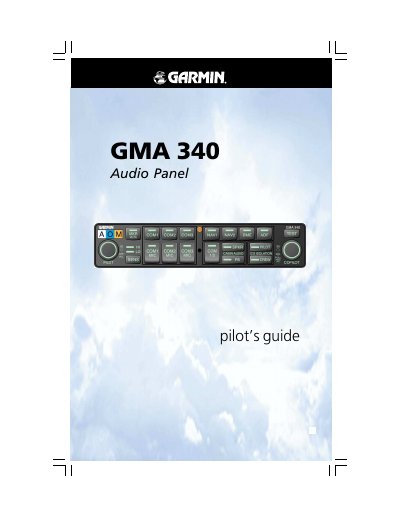
This document serves as a pilot's guide for the Garmin GMA 340 Audio Panel. It details the operation of front panel controls, including function selection switches, volume controls, and audio source selection for transceivers and navigation radios. The guide explains the functionality of the Intercom System (ICS) and Marker Beacon Receiver.
| Audio Sources | COM 1, COM 2, COM 3, NAV 1, NAV 2, DME, ADF 1, ADF 2, MKR |
|---|---|
| Entertainment Inputs | MUSIC 1, MUSIC 2 |
A failsafe circuit connects the pilot's headset and microphone directly to COM 1.
It dedicates COM 1 to the pilot and COM 2 to the copilot for MIC/audio, allowing simultaneous transmission.
The modes are PILOT, CREW, and ALL, which control communication between pilots, copilots, and passengers.