
This manual describes how to install the GDU 620.
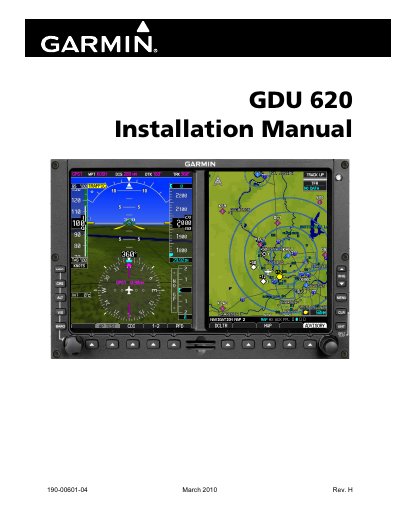
This document provides step-by-step instructions for installing and configuring the Garmin GDU 620, an aviation display unit. It includes details on software compatibility, revision history, and safety precautions for handling the device. The manual is specific to software version 4.01 and may vary with other versions.
The GDU 620 is part of Garmin’s aviation product line and is designed for use in aircraft. It includes features such as video input and display, and compliance with aviation standards like TSO-C151b. Users are advised to follow cleaning instructions to avoid damaging the anti-reflective lens coating.
This manual reflects the operation of software version 4.01.
You must not use cleaners containing ammonia on the lens.
You should use a clean, lint-free cloth to clean the lens.