
Garmin eTrex HC Series Personal Navigator User's Manual

eTrex HC Series Personal Navigator User's Manual (eTrex Vista HCx shown)
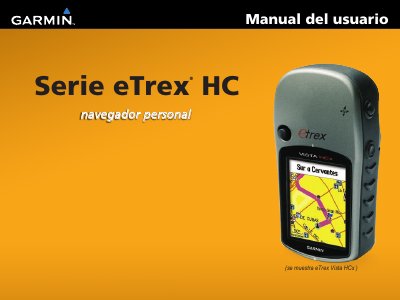

Garmin eTrex HC Series Personal Navigator User's Manual - cover page
Brand
Garmin
Category
GPS
Document type
User Manual
Language
Spanish
Pages
54
File format
PDF
File size
1.1 MB
Published
18 October, 2023
Updated
18 October, 2023
MD5 checksum
C3AA45655276BDD859AFBB5BE4BA2D76

About this manual

This manual provides instructions for the Garmin eTrex HC Series, which includes the eTrex Vista HCx, eTrex Legend HCx, eTrex Summit HC, and eTrex Venture HC models. It details the installation of batteries and straps, as well as the basic operation of the device buttons and screen functions. This manual is written in Spanish.

What's inside

  • Introduction
  • Battery Installation
  • Device Operation
  • Button Functions
  • GPS Receiver Startup
  • Waypoints
  • Tracks
  • Routes
  • Main Menu Pages
  • Specifications

Frequently asked questions

What batteries does the eTrex HC Series use?

The device uses two AA batteries (not included).

How do you turn on the eTrex HC Series?

Hold the power button down to turn it on or off.

What should you do to start the GPS receiver for the first time?

Hold the unit up toward the sky and wait for it to acquire satellite signals.

Download PDF (1.1 MB)

More Garmin Manuals


View all Garmin manuals →