
The Fujitsu ESPRIMO K5010/24 All‑in‑One Desktop data sheet provides specifications, features, and technical details for the PC.
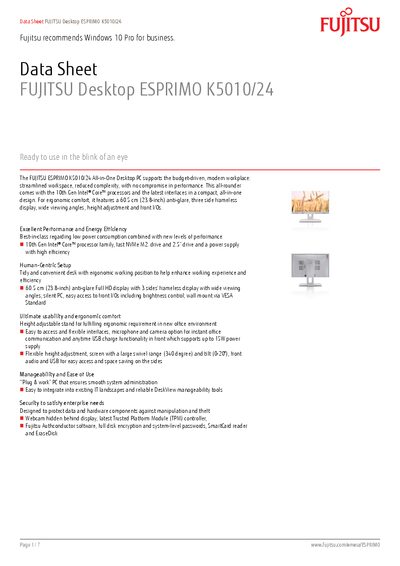
The ESPRIMO K5010/24 is a compact All‑in‑One desktop with a 23.8‑inch anti‑glare Full HD display, 10th‑Gen Intel Core processors, and flexible height‑adjustable stand. It offers a range of storage options, up to 64 GB DDR4 memory, and a power‑efficient 190 W supply.
The device includes built‑in manageability tools such as DeskView, security features like TPM 2.0 and optional SmartCard readers, and complies with ENERGY STAR and EPEAT standards. Connectivity options cover USB‑C, USB‑3.2, HDMI, DisplayPort, and optional Wi‑Fi 6.
| Processor | Intel Core i7‑10700T 2.0 GHz, 8 cores, 16 threads |
|---|---|
| Maximum Memory | 64 GB DDR4, 2,933 MT/s |
| Display Size | 23.8‑inch (60.5 cm) anti‑glare Full HD |
| Resolution | 1920 × 1080 pixels |
| Storage (SSD) | PCIe NVMe M.2 SSD up to 1 TB |
| Dimensions (W×D×H) | 543 mm × 95 mm × 337 mm |
| Weight | 10.2 kg |
| Operating Temperature | 10 °C – 35 °C |
| Operating System | Windows 10 Pro pre‑installed |
| Security | TPM 2.0 embedded |
Windows 10 Pro is pre‑installed on the system.
The device supports up to 64 GB of DDR4 memory.
It has a 23.8‑inch anti‑glare Full HD screen with a native resolution of 1920 × 1080 pixels.
Yes, it includes an embedded TPM 2.0 module.