
This manual provides instructions on how to operate the Pelco Spectra® Mini Dome Camera.
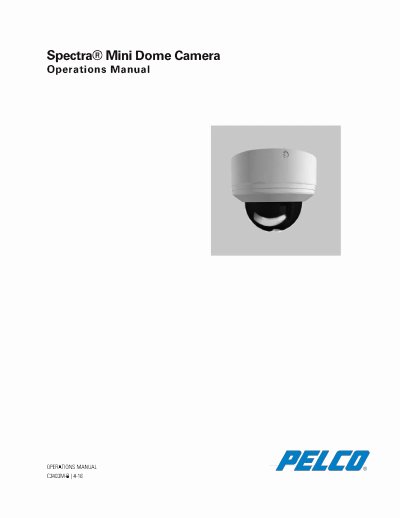
This manual provides step-by-step instructions for operating and configuring the Pelco Spectra® Mini Dome Camera. It covers accessing the control panel, adjusting settings, enabling/disabling features like auto flip and preset positions, and managing passwords. The guide also explains how to reset the camera, reboot the system, and upload software or language files using the six-pin data port. Instructions are provided for various compatible control systems including KBD, CM, MPT, NET, WS, and VCD models.
The manual includes detailed procedures for different camera models and interfaces, such as web browser access, standard mouse controls, and keyboard commands. It also addresses regulatory compliance, warranty, and legal notices, and includes information on video quality, frame rate, and open-source software licensing.
Access the dome camera URL in a web browser. At the upper right corner, click Login, enter the Username and Password, and then click Live.
To enable the password: position the cursor to
Return to the main screen, position the cursor to
Return to the main screen, position the cursor to