
This is the instruction manual for Extech EX613 True RMS Clamp Meter
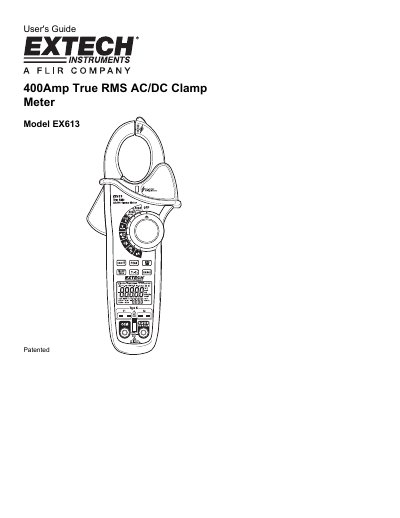
This document is the User's Guide for the Extech EX613, a 400Amp True RMS AC/DC Clamp Meter. It provides instructions on how to use the meter for various measurements including AC/DC current, voltage, resistance, capacitance, frequency, and Type K temperature. The guide also details safety precautions and the function of the non-contact voltage detector.
| Maximum AC Current | 400A |
|---|---|
| Maximum DC Current | 400A |
| Maximum Voltage | 600V DC/AC |
| Resistance Range | 250V DC/AC |
| Temperature Range | 30V DC, 24V AC |
Do not exceed the maximum allowable input range and do not apply voltage to the meter when the resistance function is selected.
Select ADC and press and hold the MODE ZERO button for two beeps while no conductor is in the jaw.
If both readings are very small or '0', the device is shorted.