
Extech HDV600 series Video Borescope is a remote inspection device. It can be used to peer into tight spots, record and playback real-time video and images. Typical applications include HVAC inspection, automotive inspection, cable routing, and automotive/boat/aircraft inspection.
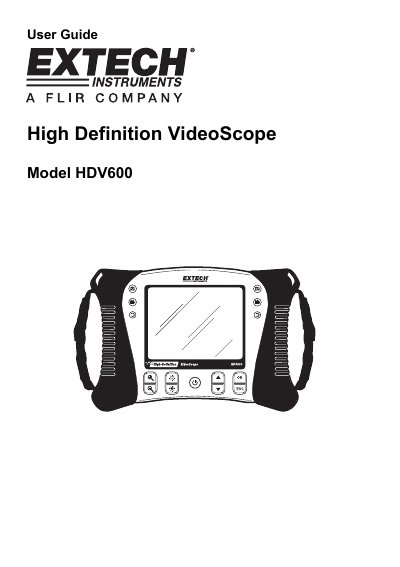
This document is the user guide for the Extech HDV600 series Video Borescope, a remote inspection device designed for use in tight spots. It covers various models including the HDV600 monitor-only unit and versions with flexible, semi-rigid, or wireless articulating probes. The guide details the setup process, including charging the battery and inserting an SD card, as well as navigating the menu system for settings like language, video format, and auto power off.
| LCD Screen | 14.2cm (5.6") active matrix, 640x480 pixels |
|---|---|
| Battery | 3.7V rechargeable Li-Polymer |
| Recording medium | SD Card |
| Still image format | JPEG (640x480) |
| Video Recording Format | AVI (640x480) |
| Receiver Frequency | 2.4GHz |
| Unobstructed Effective Range | 10m |
| Operating Temperature | -10 to 60°C |
The optimum focus distance is typically 2 to 6cm (0.79 to 2.3"), though it is probe dependent.
Press and hold the Power button for 4 seconds to turn the transmitter on.
The device supports NTSC and PAL video output formats.