
This manual describes how to install Keyence KV Series PLC, including connecting external devices, configuring network parameters, and installing the program.
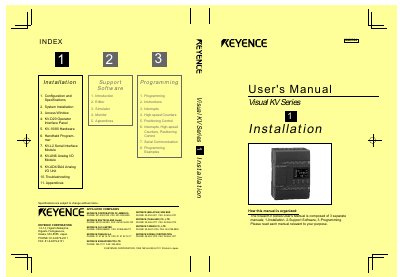
This User's Manual covers the installation and configuration of the KEYENCE Visual KV Series 1 Programmable Logic Controller (PLC). It serves as the first of three separate manuals in the series, focusing on hardware setup and system integration rather than programming or support software.
| Minimum scan time | 140 µs |
|---|---|
| Minimum instruction execution time | 0.7 µs |
| High-speed counters | two 24-bit 30 kHz |
| Interrupt inputs | four high-speed |
The built-in display may show the error message "Error 40" blinking the very first time you turn on the power supply. Press any key around the display to cancel this message.
No, the KV Series PLC should not be used for the purpose of protecting the human body.
No, the Visual KV Series is allowed to be installed in a vertical position only.