
The manual introduces the features and functions of the white LED photometer LT40, including the light intensity measurement range, measurement results display, and auto power off function.
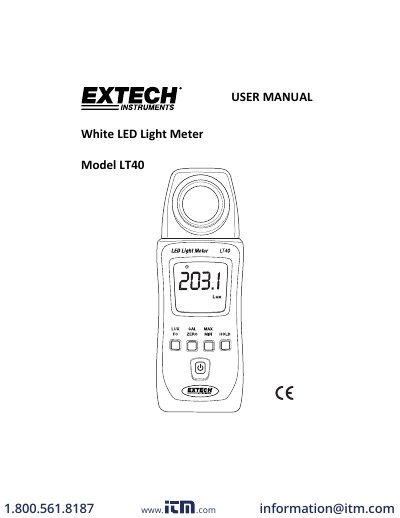
The Extech LT40 is a light meter designed primarily for measuring white LED light sources, though it can also measure fluorescent, metal halide, high-pressure sodium, and incandescent sources for reference only. The device measures illuminance in Lux or foot-candles with a maximum range of 400,000 Lux (40,000 Fc) and features auto-ranging, data hold, and maximum/minimum/average reading functions.
| Max Range (Lux) | 400,000 |
|---|---|
| Max Range (Foot-candles) | 40,000 |
| Display Resolution (Lux) | 0.1 |
| Display Resolution (Foot-candles) | 0.01 |
| Accuracy (White LED) | ±(3%reading + 3 Lux) |
| Sampling Rate | 2.5 times per second |
| Battery Type | 2 x 1.5V AAA |
| Battery Life | Approximately 200 hours |
| Operating Temperature | 5 to 40°C |
| Dimensions | 133 x 48 x 23 mm |
Yes, it can measure fluorescent, metal halide, high-pressure sodium, and incandescent sources, but these are for reference only with unspecified accuracy.
Press the LUX/FC button to toggle between Lux and FC (foot‐candles) measurement units.
A low battery symbol will appear on the LCD, and the meter will power down automatically after approximately 12 minutes of inactivity.