
Extech SD500 data logger measures, displays, and stores temperature and relative humidity readings. Data is stored on a SD card for transfer to a PC.
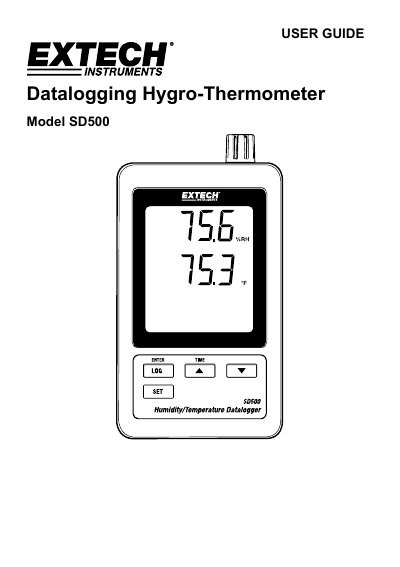
The Extech SD500 is a datalogging hygro-thermometer that measures and stores temperature and relative humidity readings on an SD card. It features an LCD display, an RS-232 interface for PC connectivity, and selectable data sampling rates ranging from 5 to 600 seconds or Auto mode. The device is powered by six AAA batteries or an AC adapter and is designed for reliable service with proper use.
The manual details how to install batteries, insert the SD card, and begin datalogging. It also explains how to access advanced settings such as formatting the memory card, setting the date and time, adjusting the decimal character, and selecting temperature units. Finally, it provides instructions for transferring data to a PC and includes technical specifications for accuracy and operating conditions.
| Display | 60 x 50 mm (2.4 x 2.0") LCD |
|---|---|
| Memory Card | SD memory card, 1 GB to 16 GB |
| Sampling Time | 5/10/30/60/120/300/600 seconds or Auto |
| Operating Temperature | 0 to 50°C (32 to 122°F) |
| Operating Humidity | Less than 90% RH |
| Power Supply | Six (6) AAA batteries or 9V AC adaptor |
| Weight | 282 g (0.62 lbs.) |
| Dimensions | 132 x 80 x 32mm (5.2 x 3.1 x 1.3") |
The SD card should be at least 1GB in capacity.
Press the LOGGER button for more than 2 seconds.
The display will show 'EMPTY'.
Yes, you can set it to USA (decimal) or Euro (comma) in the Advanced Settings.