
Introduces the features and usage of Extech 42509 infrared thermometer
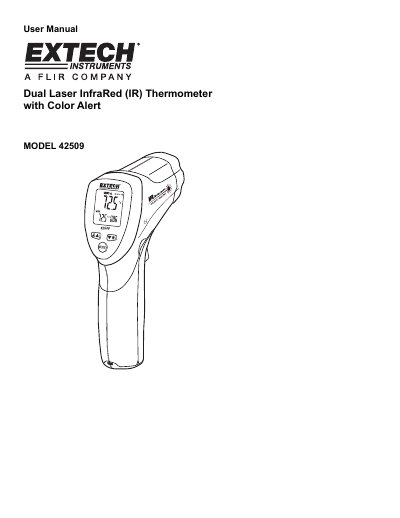
This user manual covers the operation of the Extech 42509 infrared thermometer, including how to use its dual laser targeting, color alert, and adjustable emissivity features. It explains how to set temperature units, enable alarms, and manage battery life. The manual also includes safety warnings, measurement tips, and technical specifications for accurate use.
The device features a 12:1 field of view, backlit LCD, and programmable high/low alarms. It is designed for industrial, commercial, and everyday use with a three-year warranty. Calibration and repair services are available through Extech’s customer support.
The thermometer measures non-contact temperature readings up to 950°F (510°C).
The reading will hold for approximately 7 seconds after the trigger is released.
The meter requires a 9V battery for operation.