
This is the user manual of Extech TM500 thermometer, which introduces the functions and usage of the thermometer
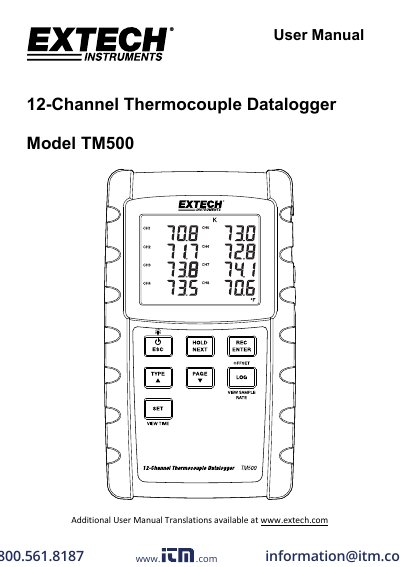
The Extech TM500 is a 12-channel thermocouple datalogger that records and displays temperature readings from Type K, J, T, R, E, or S probes. It stores data on an SD card for transfer to a PC. The manual covers setup, calibration, display controls, and data logging features including loop mode, offset adjustment, and MAX-MIN recording. Power options include AA batteries or an optional AC adapter.
| Thermocouple Types | K, J, T, R, E, or S |
|---|---|
| Channels | 12 |
| Data Storage | SD card |
| Sampling Rate | 1 to 3600 seconds |
| Temperature Range | ‐20 to +250°C (‐4 to +482°F) |
The meter supports Type K, J, T, R, E, or S thermocouples.
It has 12 channels for thermocouple inputs.
Yes, logged data is stored on an SD card for transfer to a PC.
The supplied probes are usable from ‐20 to +250°C (‐4 to +482°F).