
This is the User's Guide of 4-in-1 Humidity, Temperature Airflow and Light Meter Model 45170, and it introduces the functions and features of this product as well as its usage methods.
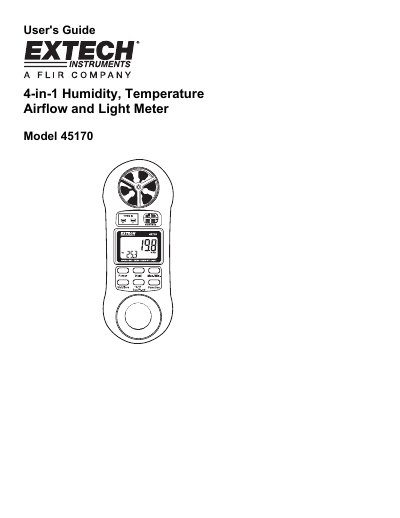
This user guide explains how to operate the Extech 45170 4-in-1 meter for measuring humidity, temperature, airflow and light. It covers setup, measurement modes, data recording, and calibration. The device includes a vane airflow sensor, light sensor, and thermocouple input. It comes with a one-year warranty covering parts and workmanship, with limited coverage for sensors and cables. The guide also includes useful equations for air velocity calculations and contact information for support and repairs.
| Air Velocity Range (MPH) | 0.9 to 67.0MPH |
|---|---|
| Temperature Range (°F) | 32 to 122°F |
| Relative Humidity Range | 10.0 to 95.0% |
| Light Range (Lux) | 0 to 2,200 Lux |
| Display | 4 digit (9999 count) Dual Display LCD |
| Power Supply | 9 Volt Battery |
| Dimensions | 6.14 x 2.36 x 1.29” (156 x 60 x 33mm) |
Press the Function button to select Anemometer mode. Press Unit/Zero to choose units (FPM, MPH, KNOT, KM/H, or M/S) and face the sensor toward the wind source.
Block the light sensor to simulate no light, then press the Unit/Zero button. The reading should go to zero.
The warranty is one year from date of shipment, with a six-month limited warranty for sensors and cables.
Press the HOLD button once to clear the recorded max/min values. Press and hold the Max/Min button for 3 seconds to exit Min/Max Data Record Mode.