
This is the Extech TM500 Thermometer user manual. It can display and store temperature readings from up to twelve (12) Type K, J, T, R, E, or S thermocouple temperature probes. Logged data readings are stored on an SD card for transfer to a PC.
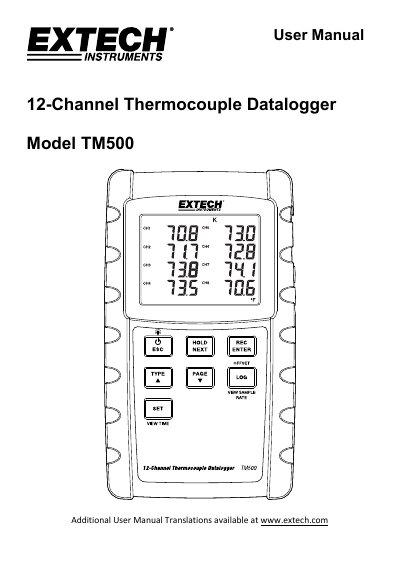
The Extech TM500 is a 12-channel thermocouple datalogger designed to display and store temperature readings from up to twelve Type K, J, T, R, E, or S thermocouple probes. Data is stored on an SD card for transfer to a PC, and the device supports both battery and optional AC power operation.
| Channels | 12 |
|---|---|
| Thermocouple Types | K, J, T, R, E, or S |
| Power Source | 8 x 1.5VDC AA batteries or optional AC adaptor |
| Sampling Rate | 1 to 3600 seconds |
| Temperature Range (Supplied Probes) | -20 to +250°C (-4 to +482°F) |
Press the power button to turn on the meter. Press and hold the power button for at least 3 seconds to power it off.
The meter supports Type K, J, T, R, E, or S thermocouple probes.
Access the PoFF parameter in the Setup menu and select ON. The meter will then automatically switch off after 10 minutes of inactivity.