
Extech SD500 Temperature/Humidity Datalogger is a meter that measures, displays, and stores temperature and relative humidity readings. Data is stored on a SD card for transfer to a PC.
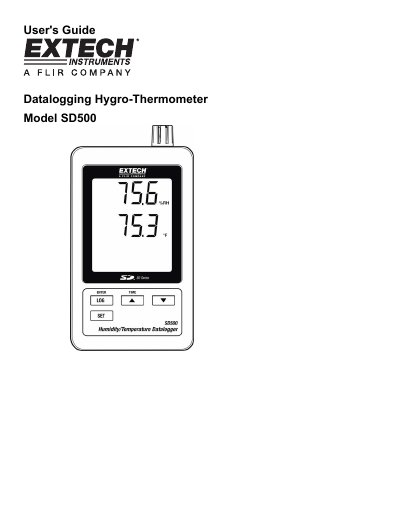
This manual provides instructions for the Extech SD500 Temperature/Humidity Datalogger. It details how to install batteries, insert an SD card, and begin datalogging. The device features an LCD display and stores data in Excel format for transfer to a PC via an RS-232 interface or SD card reader.
| Display | 60 x 50 mm (2.4 x 2.0") LCD |
|---|---|
| Memory Card | SD memory card, 1 GB to 16 GB |
| Operating Temperature | 0 to 50°C (32 to 122°F) |
| Power Supply | Six (6) AAA batteries or 9V AC adaptor |
| Weight | 282 g (0.62 lbs.) |
| Temperature Accuracy | ± 0.8°C at 0.0 to 50.0 °C |
The SD card should be at least 1GB in capacity.
Battery life is typically greater than one month for new alkaline batteries with a 60-second sampling time.
Yes, data is stored on an SD card for transfer to a PC or via the RS-232 PC interface jack.