
This manual provides instructions for the Extech EX350 series true RMS digital multimeters, describing the product's features and characteristics
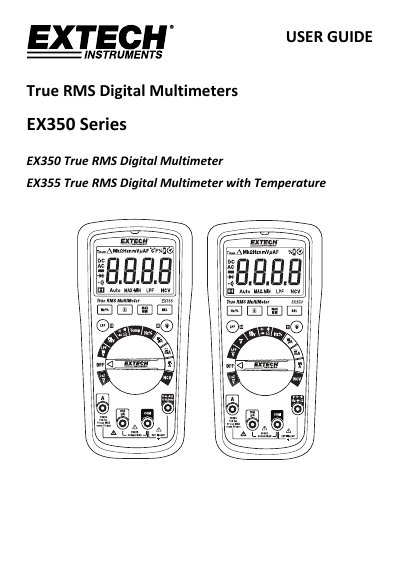
This manual provides instructions for the Extech EX350 Series True RMS Digital Multimeters, including the EX350 and EX355 models. It details features such as True RMS ACV measurements, variable frequency voltage testing, and temperature measurement capabilities specific to the EX355 model. The guide includes descriptions of the meter's physical layout, display icons, and button functions.
| Display Count | 6000 count (EX355) or 4000 count (EX350) |
|---|---|
| Accuracy DCV | 0.5% |
| Auto Power OFF | 15 minutes |
| Input Impedance | 10MΩ |
| Overload Protection | AC/DC 600V |
| AC Voltage Frequency Range | 45 to 400Hz |
| Temperature Measurement | EX355 only |
Press and hold the backlight button for two seconds while the meter is powered ON.
Only the EX355 model supports temperature measurements with the included temperature probe.