
ELUX4 / ELUX8 / ELUX16 4 / 8 / 16 CH, H.264, 1080p Full HD Hybrid DVR Quick Installation Guide
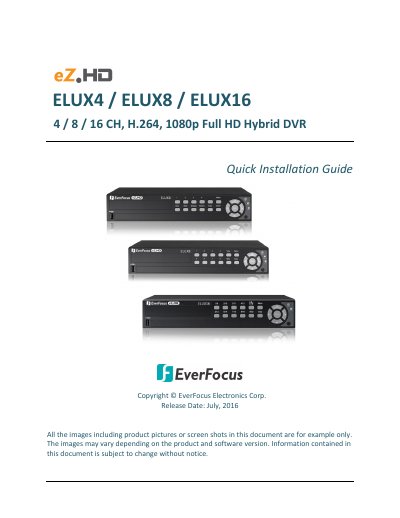
This document provides a quick installation guide for the EverFocus ELUX4, ELUX8, and ELUX16 Full HD Hybrid DVRs. It details the front and rear panel features, including video inputs, loop outputs, and connectivity options like HDMI, VGA, and RS-485. The guide explains how to install the optional Hard Disk Drive (HDD) for recording and how to configure the eZ.Controller for PTZ camera control.
| System Operating System | Embedded Linux |
|---|---|
| RAM | 512MB / 1GB / 2GB |
| Video Compression Format | H.264 |
| Video Inputs | 4 x BNC / 8 x BNC / 16 x BNC |
| Power Input | 12VDC / 5A |
| Power Consumption | 60W max. |
| Operating Temperature | 0°C ~ 40°C |
| Storage Capacity | 4 TB / 8 TB |
The DVR supports NTSC and PAL formats and can automatically configure itself based on the first connected camera.
Yes, the eZ.Controller function allows users to control PTZ camera functions like Zoom, Focus, and Direction using only a coaxial cable.
The DVR supports EverFocus, Pelco D, Pelco P, and Samsung PTZ protocols.