
This document describes how to connect LaCie LCH-MN*TU3TV series hard disk to Toshiba REGZA LCD TV and use it as an external recording device
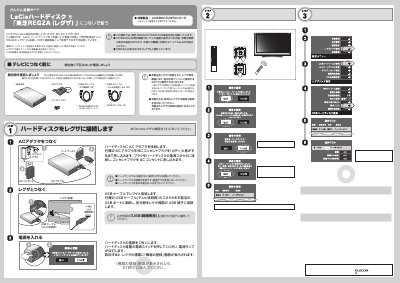
This guide explains how to connect a LaCie LCH-MN*TUSTV hard disk to a Toshiba REGZA TV for recording. It covers powering the device, connecting USB cables, registering the drive, and performing a test to ensure functionality. The guide also notes that if the drive is initialized on the TV, it must be reformatted on a computer to use with other devices.
After setup, users can access recording features via the TV’s menu. To disconnect, use the TV’s USB settings to eject the device before unplugging the cable. This manual is written in Japanese.
Use the TV’s USB settings to eject the device, then turn off the hard disk and unplug the USB cable.
This is a LaCie hard disk drive designed to be connected to a Toshiba REGZA LCD TV for recording purposes.
The capacity is shown in numbers representing TB units, and the drive must be placed horizontally in a location without vibration.