
This document is the user manual for the external SSD ESD-ZSA series. It introduces the product usage method and safety usage precautions.
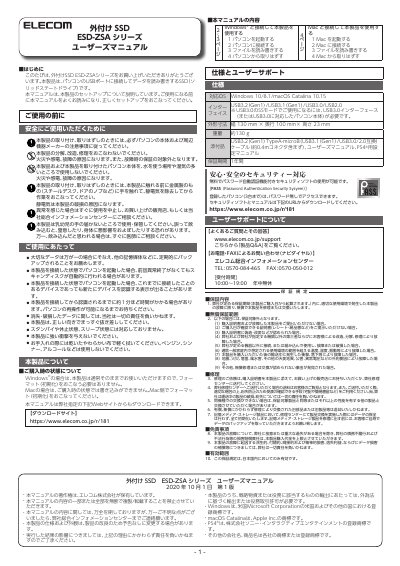
This manual provides instructions for setting up and using the ELECOM ESD-ZSA Series external SSD. It details how to connect the device to a computer via USB, read and write files, and safely remove the drive. Special attention is given to static electricity precautions and proper handling to prevent damage. This manual is written in Japanese.
| Interface | USB3.2 (Gen1) / USB3.1 (Gen1) / USB3.0 / USB2.0 |
|---|---|
| Dimensions | 130 mm x 100 mm x 23 mm |
| Weight | Approx. 130 g |
| Warranty Period | 1 year |
No, the product can be used as is with Windows.
Yes, you must format the drive on the Mac side before use.