
This document is a user manual for FiiO M9 music player, which introduces the appearance, buttons, interfaces, main menu, settings and other information of the product
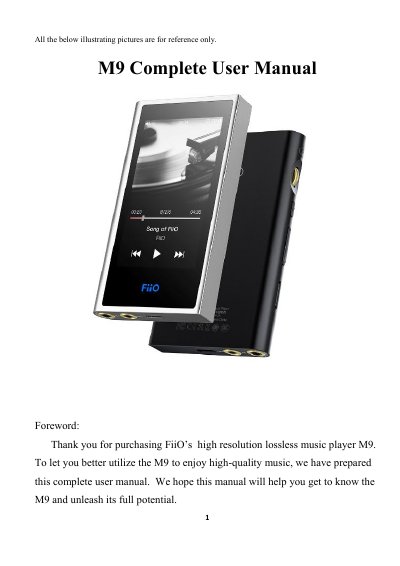
This manual guides users through the M9’s interface, buttons, ports, and settings. It covers audio output options, Bluetooth connectivity, WiFi setup, and the built-in FiiO Music app with gesture controls and equalizer settings. The device features a 480x800 IPS screen, dual AK4490EN DACs, and supports up to 512GB Micro SD storage.
| Processor | Samsung 14nm Exynos 7270 |
|---|---|
| DACs | Dual AK4490EN |
| Memory | 2GB native memory |
| Screen | 480x800 LG IPS |
| USB Interface | Type C |
| Bluetooth Version | 4.2 |
| Micro SD Support | up to 512GB |
Bluetooth 4.2 supports SBC, aptX, aptX-HD, LDAC, and HWA.
Switch between PO/LO/SPDIF in M9 Settings -> Audio Settings -> Multifunctional Output.
Yes, you can choose from presets or adjust ten frequency bands from 20 to 20 kHz independently from -6 to +6 dB.
It can be fully charged in 2 hours using a DC5V 2a adapter.