
This manual provides operating instructions and troubleshooting for the FiiO M3K portable high-resolution music player.
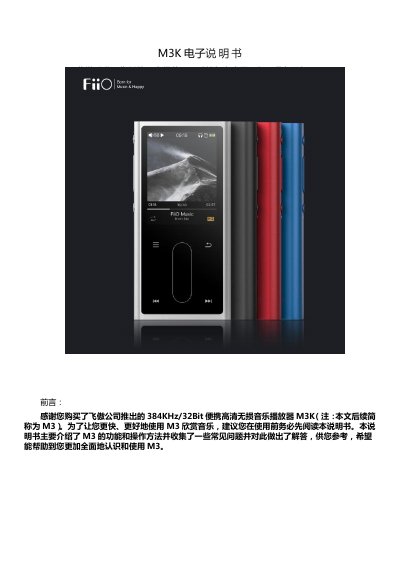
The FiiO M3K is a high-fidelity digital audio player supporting formats such as MP3, WAV, FLAC, DSD, and ISO up to 384kHz/32bit. It features touch buttons, LED indicators, and a 3.5mm headphone output interface.
This guide details the functions of the power, volume, navigation keys, and TF card slot. It also covers page display operations including file browsing, recording, playback settings like gapless mode and equalizer, system configurations for battery saving, and firmware upgrades. This manual is written in Chinese.
| Supported Formats | MP3, WAV, WMA, APE, FLAC, AAC, ALAC, OGG, DSD, ISO |
|---|---|
| Max Resolution | 384kHz/32bit |
| TF Card Capacity | 512GB |
| Headphone Output | 3.5mm |
No, recording cannot be done simultaneously with playback, and charging status is affected by USB connection states.
The device may become unusable ('brick'), but you can try to recover it by long-pressing the power button for 10 seconds.
Long press the power key for 10 seconds to force shutdown, then long press again for 2 seconds to restart.