
The FiiO M7 user manual provides full instructions for operating the high‑resolution digital audio player.
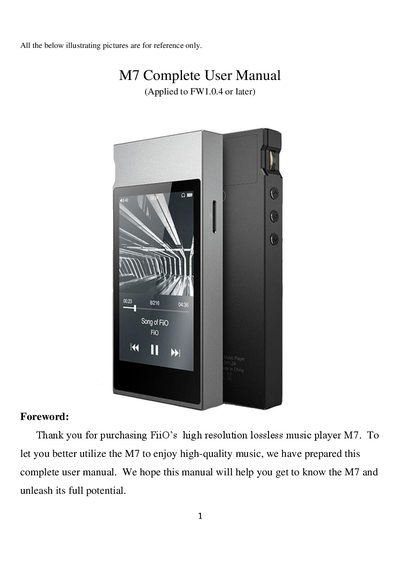
This manual introduces the FiiO M7, a high‑fidelity digital audio player built on a Samsung Exynos 7270 processor with dual AK4490EN DACs, 2 GB memory and a 480×800 LG IPS touchscreen. It explains the layout of buttons, ports, and the main menu, and guides you through Bluetooth pairing, audio settings, FM radio, firmware updates, and more.
Detailed sections cover button functions, Bluetooth codec selection, USB DAC usage, EQ presets, gesture controls, and troubleshooting tips such as system reboot and lock‑screen key settings. The FAQ at the end answers common questions about Android version, SD‑card access, Bluetooth codecs, and firmware upgrades.
| Processor | Samsung 14nm Exynos 7270 |
|---|---|
| Digital‑to‑Analog Converters | Dual AK4490EN DACs |
| Memory | 2 GB native memory |
| External storage | Micro SD card up to 512 GB |
| Display | 480×800 LG IPS touchscreen, 16 million colors |
| USB interface | Type‑C port for charging, data transfer and USB audio output |
| Bluetooth version | Bluetooth 4.2 |
| Supported Bluetooth codecs | LDAC, aptX‑HD, aptX, SBC |
| Battery life (standby) | More than 20 hours |
The M7 supports the Bluetooth codecs LDAC, aptX‑HD, aptX and SBC.