
The FiiO X1 user manual provides setup, operation, firmware upgrade, and troubleshooting instructions for the portable 192 kHz/24‑bit lossless player.
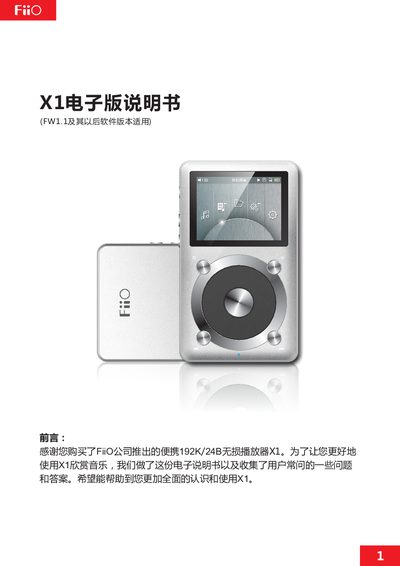
This manual introduces the FiiO X1 portable lossless audio player, its hardware layout, button functions, and menu navigation. It covers the 26‑color TFT display, indicator lights, rotary encoder, and the various input/output ports such as LO/PO, Micro‑USB and TF card slot.
It also explains how to upgrade firmware, manage storage, adjust playback settings (equalizer, playback mode, backlight, volume limits), and resolve common issues such as card compatibility, audio format support, and device connectivity. This manual is written in Chinese.
| Display | 26‑color TFT, 320 × 240 pixels |
|---|---|
| Maximum Audio Sampling | 192 kHz / 64‑bit |
| Supported Audio Formats | MP2, MP3, WAV, WMA, APE, FLAC, AAC, ALAC, OGG |
| Maximum TF Card Capacity | 128 GB |
| Indicator Light Colors | Blue (working), Red (charging), Green (full) |
| Backlight Time Settings | 30 s – 120 s or always on |
| Backlight Brightness Levels | 10 levels |
| Maximum Volume Range | 30 – 100 |
Copy the provided x1.fw file to the root of a FAT32‑formatted TF card, power off the player, then hold the shortcut key and power key while turning it on to launch the upgrade dialog.
In System Settings, select Backlight Time and choose a value between 30 seconds and 120 seconds, or set it to always on.
The indicator light is blue when the player is operating, red while charging, and green when the battery is fully charged.