
Complete user guide for the FiiO M11 high-resolution music player, covering hardware buttons, Android interface settings, audio configurations, and firmware…
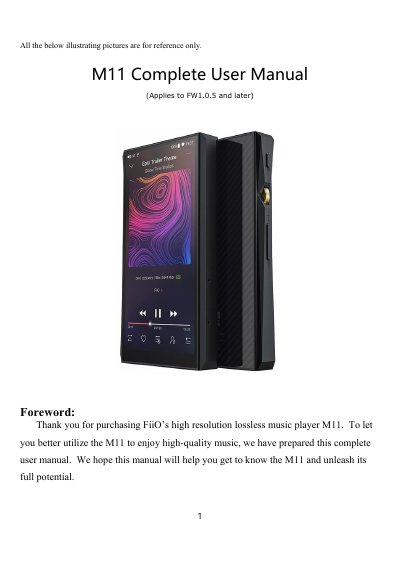
This manual provides instructions for operating the FiiO M11, a high-fidelity digital audio player featuring a 5.15-inch display, dual AK4493EQ DACs, and support for high-quality Bluetooth protocols like aptX-HD and LDAC. The device supports up to 13 hours of playback or deep sleep mode.
| Screen Size and Resolution | 5.15 inches IPS Hi-Res incell screen (1440x720 pixels) |
|---|---|
| Processor | Samsung 14nm Exynos 7872 |
| DACs | Dual AK4493EQ DACs |
| RAM and Storage | 3GB ram, 32GB storage |
| External Storage Support | Dual external TF card (Theoretically up to 4T) |
| Battery Life | At least 13 hours playback or 50 days deep sleep |
| Bluetooth Protocol Support | aptX, aptX-HD, LDAC, HWA |
While powered off, hold the Power / Lock button for 2 seconds to turn it on.
Press and hold the Power / Lock button for 10 seconds to perform a reset.
You can set a Maximum Volume limit in the General settings to prevent audio damage.