
This manual covers the features, operation, firmware upgrade, menu navigation, and troubleshooting for the FiiO X5 portable high-resolution audio player.
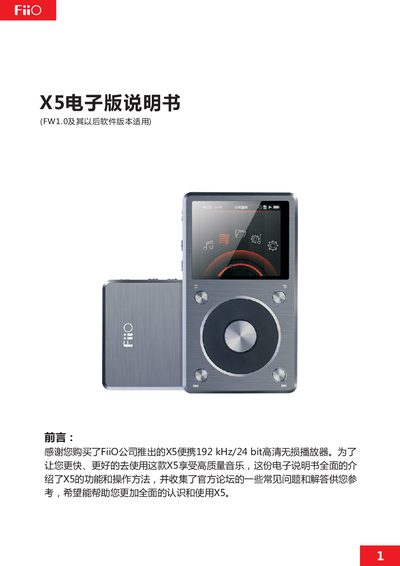
The FiiO X5 is a high-fidelity digital audio player supporting various music formats including DSD, WAV, FLAC, and MP3, with a maximum PCM sampling rate of 192 kHz/64 bit. It features independent headphone amplification, a DAC, and an independent analog volume control. The device includes a 2.4-inch IPS color display and supports dual TF card expansion up to 128GB each. This manual is written in Chinese.
| Max PCM Sampling Rate | 192 kHz/64 bit |
|---|---|
| Display Size | 2.4 inch IPS |
| Display Resolution | 400x360 |
| TF Card Support | Dual slot up to 128GB each |
| Supported Formats | DSD, WAV, WMA, APE, FLAC, AAC, ALAC, OGG, MP3 |
Copy the X5II.fw file to the root directory of a FAT32 formatted TF card, turn off the player, and press the shortcut key and power button simultaneously to start.
The light is blue when working, red while charging, and green when fully charged.
Press and hold the power button for 2 seconds to turn on or off.