
The FiiO M6 user manual explains how to operate the high‑resolution music player, covering buttons, menus, Wi‑Fi, Bluetooth, audio settings, and firmware…
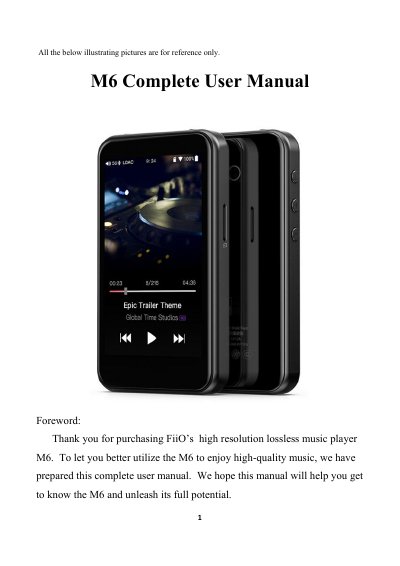
This manual introduces the FiiO M6 high‑resolution digital audio player, describing its hardware features such as the Exynos 7270 processor, dual AK4490EN DACs, 2 GB internal memory, up to 512 GB micro‑SD storage, and a 480 × 800 LG IPS touchscreen. It also details the user interface, including the main menu, drop‑down menus, and settings screens for Wi‑Fi, Bluetooth, audio output, and system functions.
Operational guidance covers button functions, power‑on/off procedures, volume control, playback controls, and how to use the Type‑C USB port, 3.5 mm headphone/line‑out, and USB DAC. Connectivity sections explain Wi‑Fi setup, Bluetooth pairing (both transmitter and receiver modes), and audio codec selection. The manual finishes with firmware update instructions, status bar information, and technical support resources.
| Processor | Samsung 14nm Exynos 7270 |
|---|---|
| Digital‑to‑Analog Converters (DAC) | Dual AK4490EN |
| Internal memory | 2 GB |
| Display | 480 × 800 LG IPS touchscreen, 16 million colors |
| Bluetooth version | Bluetooth 4.2 (SBC, aptX, aptX‑HD, LDAC, HWA) |
| USB interface | Type‑C USB data/charging port |
| Audio outputs | 3.5 mm PO/LO, USB DAC, AirPlay |
| Charging | DC5V 2A adapter, full charge in ~2 hours |
Press and hold the power/lock button for 2 seconds to turn the device on; while on, hold the same button to display the power‑off/reboot menu, or press briefly to toggle the screen. Holding for 10 seconds forces a reboot.