
Introduces how to use the camera, including battery insertion, memory card insertion, charging, etc.
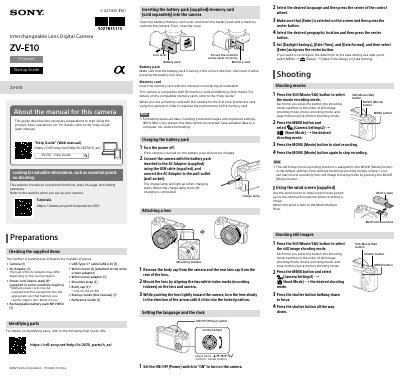
This manual provides step-by-step instructions for setting up and using the Sony ZV-E10 camera, including inserting batteries and memory cards, attaching lenses, and configuring language and time settings. It also covers shooting still images and videos, transferring media to smartphones via Wi-Fi, and editing on mobile devices. Safety precautions are included for handling the camera, avoiding lens exposure to strong light, and using it near medical devices.
Open the battery/memory card cover, insert the battery pack and memory card with the notched corner facing correctly, then close the cover.
Remove the body cap and rear lens cap, align the white mounting indexes on the lens and camera, push the lens toward the camera, and turn it slowly until it clicks into place.