
This is a quick start guide for the Sony IC recorder. It introduces the basic operations of the IC recorder and describes the features and characteristics of the product.
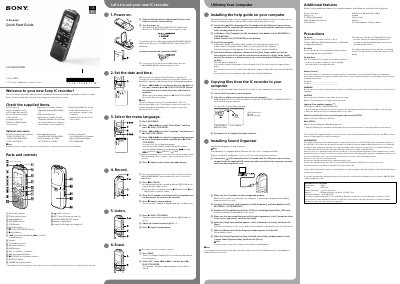
This guide helps you set up and operate your Sony IC recorder. It covers inserting batteries, powering on/off, setting date/time, selecting language, recording, playing back, erasing files, and connecting to a computer to install software or copy files. It also includes safety precautions and technical specifications like battery type, dimensions, and memory capacity.
| Memory Capacity | 4 GB (approx. 3.60 GB = 3,865,470,566 Byte) |
|---|---|
| Dimensions | Approx. 37.5 mm x 114.0 mm x 20.9 mm |
| Mass | Approx. 74g including two LRO3 alkaline batteries |
Slide and hold the HOLD*POWER ON/OFF switch in the direction of “POWER ON/OFF” for more than 1 second to turn it on. To turn it off, slide and hold the switch until “Power Off” is displayed.
You can select from Deutsch (German), English, Español (Spanish), Français (French), Italiano (Italian), Pycckuii (Russian), #4 (Korean), weep (Chinese), maxX (Chinese), twa (Thai).
Connect the USB connector of the IC recorder to your computer using the supplied USB cable. For Windows, double-click [IC RECORDER] > [FOR WINDOWS]. For Mac, double-click [IC RECORDER] on the desktop.