
This manual introduces the functions and usage methods of OPPO ColorOS 12 system, including network settings, connection and sharing, screen lock and unlock, notifications and messages, sound settings, navigation gestures, screen and brightness, wallpaper and theme, notifications and icons, application management, data management, calls and chats, flight mode, system settings, and the use of auxiliary functions. It helps you to quickly familiarize yourself with and use the ColorOS 12 system.
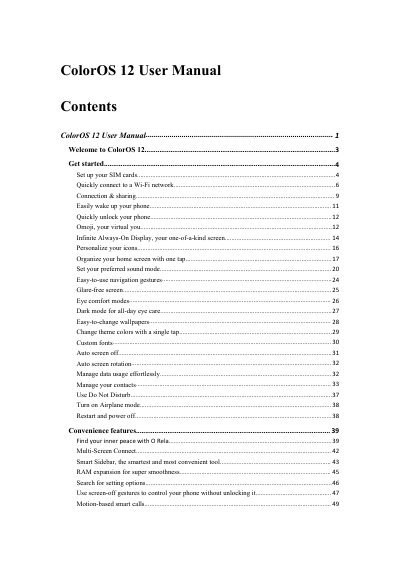
This manual guides users through setting up SIM cards, connecting to Wi-Fi, personalizing the interface, and managing system settings. It covers features like Omoji, Always-On Display, gesture navigation, and privacy controls. Sections also explain app management, camera modes, and system updates.
The guide includes practical tips for optimizing battery life, using split-screen and multitasking, and accessing quick settings. It also details security features such as App Lock, Private Safe, and Emergency SOS, ensuring users can customize their experience while maintaining device safety. This manual is written in Chinese.
It lets you call a number back using the SIM card shown in the call leg.
Simply tap the Wi-Fi network.
Your phone will monitor the quality of the Wi-Fi networks and automatically connect to the best network.