
This document is an OPPO mobile phone user manual that mainly introduces the common functions and usage methods of the phone.
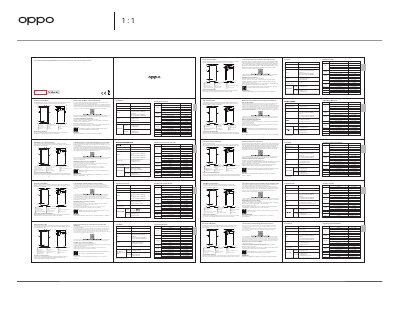
This manual explains how to reboot the phone by holding the power and volume up buttons. It also covers basic usage and important functions. Users can visit the OPPO official website for more information.
The phone features a 6.43-inch screen, a triple rear camera (64MP + 8MP + 2MP), a 32MP front camera, and a 2150mAh battery. SAR values are listed for head, body, and hotspot use. This manual is written in Chinese.
| Screen Size | 6.43" (16.33cm) |
|---|---|
| Rear Camera | 64 Megapixel + 8 Megapixel + 2 Megapixel |
| Front Camera | 32 Megapixel |
| Battery | 2150mAh/16.64Wh (Typ) |
| SAR (Head) | 0.957W/kg |
| SAR (Body) | 1.175W/kg |
Press and hold the Power Button and Volume Up Button at the same time until the OPPO boot animation is displayed.
The battery is 2150mAh/16.64Wh (typical) or 2100mAh/16.25Wh (minimum).