
The OPPO T1a 5G CPE Router User Guide provides setup steps, indicator explanations, troubleshooting tips, and product specifications.
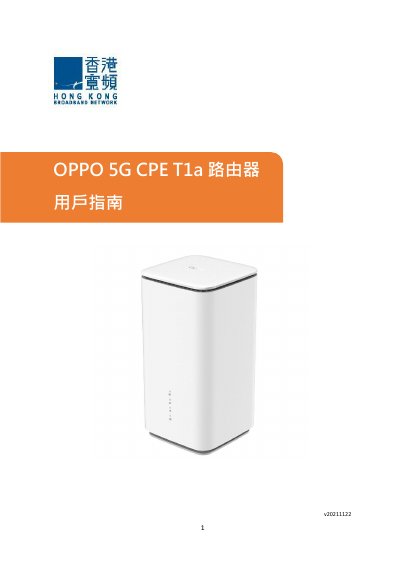
The OPPO T1a 5G CPE Router is a compact 5G/4G LTE broadband device designed for home and small‑office use. It features indicator lights for signal strength, Wi‑Fi status, and power, as well as LAN/WAN ports and a reset button.
This user guide covers the default Wi‑Fi SSID and password, how to insert the Nano SIM, configure internet access, adjust Wi‑Fi settings, interpret indicator lights, troubleshoot common issues, and view the device specifications. Contact information for OPPO support is also provided. This manual is written in Chinese.
| Dimensions (L×W×H) | 92 mm × 92 mm × 180 mm |
|---|---|
| Supported Data Networks | 5G, 4G LTE |
| SIM Card Type | Nano SIM |
| Included Accessories | Main unit, quick‑setup guide, Ethernet cable, power adapter, warranty card |
The default SSID is OPPO_XXXXXX_2.4G/OPPO_XXXXXX_5G and the password is a random code printed on the product label.