
ColorOS 13 User Manual is the user manual of OPPO ColorOS 13 system, which covers the introduction and usage methods of ColorOS 13 system's various functions, including: quick start, lock screen, notification, screen off display, icons, wallpaper, sound, screen rotation, system settings, network connection, multi-screen collaboration, smart sidebar, RAM expansion, power management, etc.
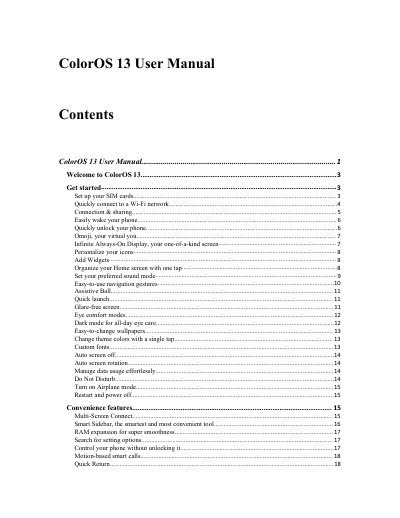
This manual guides users through setting up SIM cards, connecting to Wi-Fi, using gestures like raise-to-wake, and managing privacy settings. It also covers features like Omoji, Always-On Display, and app sharing tools. The guide is designed for OPPO devices running ColorOS 13, with instructions for both basic and advanced usage.
The manual includes sections on managing data usage, enabling Do Not Disturb, using multi-screen features, and accessing the Theme Store. It also explains how to use the phone’s camera, video tools, and game toolkit, as well as security features like App Lock and Payment Protection.
ColorOS provides 3 unlock methods: password unlock, fingerprint unlock, and face unlock.
Simply tap the Wi-Fi network.
Go to "Settings - Connection & sharing" and turn on "USB tethering".