
ColorOS 13 User Manual
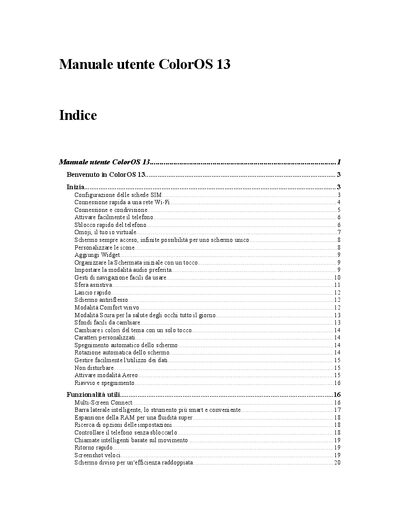
This manual introduces ColorOS 13.0.0, the operating system used on OPPO smartphones. It covers basic functions such as dual‑SIM configuration, Omoji avatars, screen‑always‑on options, and visual customization like themes, icons, and widgets.
The guide details network settings (Wi‑Fi, hotspot, tethering, NFC, VPN), security options (password, fingerprint, facial recognition), data management (mobile data usage, backup, reset), and additional utilities such as screen capture, gaming toolkit, and privacy controls. This manual is written in Italian.
| OS version | ColorOS 13.0.0 |
|---|---|
| SIM support | Dual SIM Dual Standby (DSDS) |
| Wi‑Fi assistance | Assistente Wi‑Fi, Accelerazione a doppio canale, Passpoint |
| NFC | Supported |
Touch the network name directly; the phone will connect automatically.
Enable the setting under Settings → Mobile network → Other settings → Use mobile data during calls.
Open Settings → Connection & sharing → NFC and turn NFC on.