
This document is the user manual of OPPO mobile phone CPH2371, which introduces the basic functions, usage methods and related precautions of the phone.
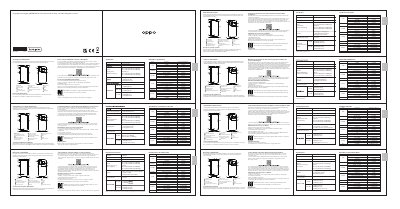
This document serves as the user guide for the OPPO CPH2371 smartphone. It outlines essential operational procedures, such as how to force restart the device by holding the power and volume up buttons. The guide also details the contents of the commercial package and the standard software version, ColorOS V12. This manual is written in Spanish.
| Dimensions | 160.6×73.2×7.81(mm) |
|---|---|
| Rear Camera | 64 Mpx + 8 Mpx + 2 Mpx |
| Front Camera | 32 Mpx |
| Screen Size | 16.33cm(6.43 Pulgadas) |
| Battery Capacity (Min) | 2200mAh/17.02Wh |
| Battery Capacity (Typ) | 2250mAh/17.41Wh |
| Software Version | ColorOS V12 |
Hold the Power and Volume (+) buttons until the OPPO startup animation appears.
The package includes 1 Phone, 1 Charger, 1 USB-C Cable, 1 Safety Guide, 1 Quick Guide, and 1 SIM Ejection Tool.
You can use the OPPO 'Clone Phone' function to transfer photos, videos, music, contacts, and applications.