
MAGELLAN 1500i Omnidirectional Imaging Scanner Quick Reference Guide
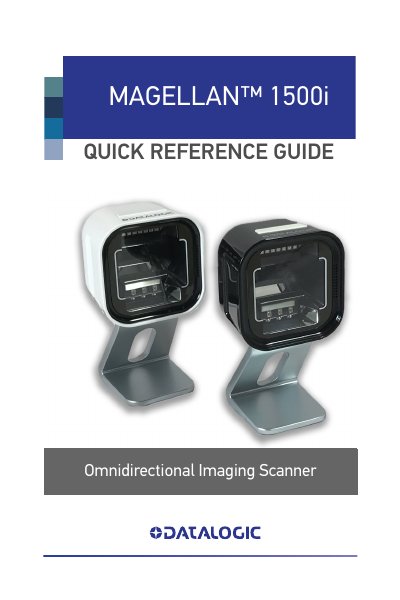
This guide helps users quickly set up and operate the Datalogic Magellan 1500i Omnidirectional Imaging Scanner. It covers installation, magnetic base mounting, handheld scanning, and basic programming. The scanner uses intelligent illumination for reading barcodes from various surfaces and environments. It includes troubleshooting and cleaning instructions for optimal performance.
The guide also includes legal notices, copyright information, and warranty details. It is intended for quick reference and directs users to the full Product Reference Guide for detailed programming and technical information.
Present barcodes to the scanner while it’s on the counter or in the optional stand, or pick it up for targeted scanning. Press the button to read a barcode.
Yes, using the magnetic swivel base, which can be attached to flat surfaces with adhesive or screws.
The warranty details are included in the guide, but specific terms are not listed in the provided text.