
This is a quick reference guide for the Magellan™ 1500i Omnidirectional Imaging Scanner Quick Reference Guide product produced by Datalogic company
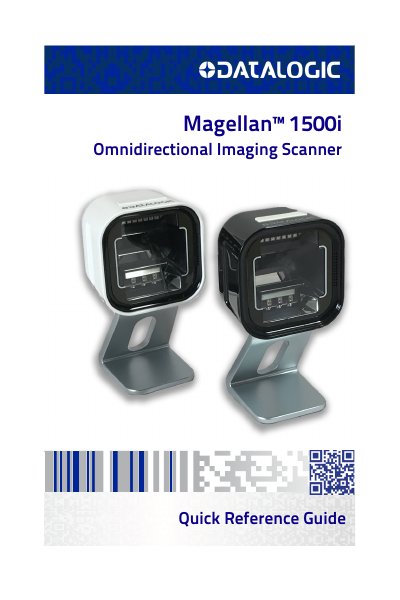
This quick reference guide helps users install and operate the Datalogic Magellan 1500i Omnidirectional Imaging Scanner. It covers mounting options, handheld and stationary scanning modes, button functions, and basic troubleshooting. The guide also includes warranty information and instructions for returning defective units. For detailed programming and advanced features, users are directed to the Product Reference Guide.
Route the interface cable to the terminal or host, plug in the AC adapter (if needed), and connect the cable to the scanner. Verify operation by scanning a known-good barcode.
The warranty covers defects in materials and workmanship for a specified period, excluding damage from natural disasters, consumables, or non-restoring actions.