
This document is about the operating instructions for Panasonic DP-UB820 Blu-ray Disc player
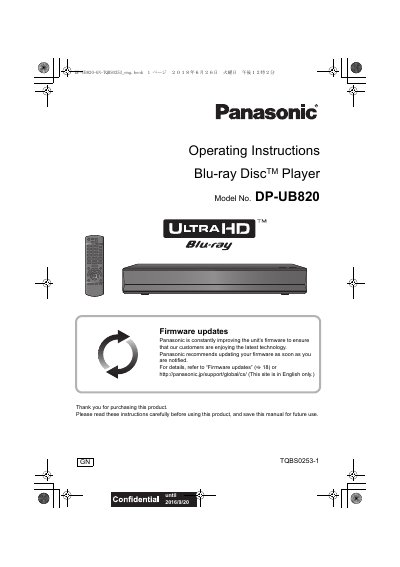
This manual provides detailed instructions for operating the Panasonic DP-UB820 Blu-ray Disc player. It includes safety precautions, setup guidance, media compatibility, and troubleshooting tips. The player supports Ultra HD Blu-ray, 3D content, and various USB and network connections. Firmware updates are recommended for optimal performance. Users are advised to follow safety guidelines to prevent damage or hazards.
| Playable Media | Ultra HD Blu-ray, BD-Video, BD-RE, BD-R, DVD-Video, DVD-R, DVD-RW, CD-DA, Music CD, USB (FAT12, FAT16, FAT32, NTFS) |
|---|---|
| USB Port | USB 2.0 High Speed (front), USB 3.0 Super-Speed (rear) |
| File Systems | FAT12, FAT16, FAT32, NTFS |
| HDR Compatibility | Requires HDR-compatible TV (2015 or later Panasonic TV or compatible non-Panasonic TV) |
The DP-UB820 supports Ultra HD Blu-ray, BD-Video, BD-RE, BD-R, DVD-Video, DVD-R, DVD-RW, CD-DA, Music CD, and USB devices with FAT12, FAT16, FAT32, or NTFS file systems.
Check your TV settings to ensure it supports HDR. If using a Panasonic TV from 2015 or later, enable the HDR setting. For non-Panasonic TVs, refer to the TV’s operating instructions.
No, the DP-UB820 does not support USB device charging.